External Sensor Platform Setup Instructions

Tim
Last Update một tháng trước
Before you start using the external sensor, please set it up on the console(https://console.ubibot.com)
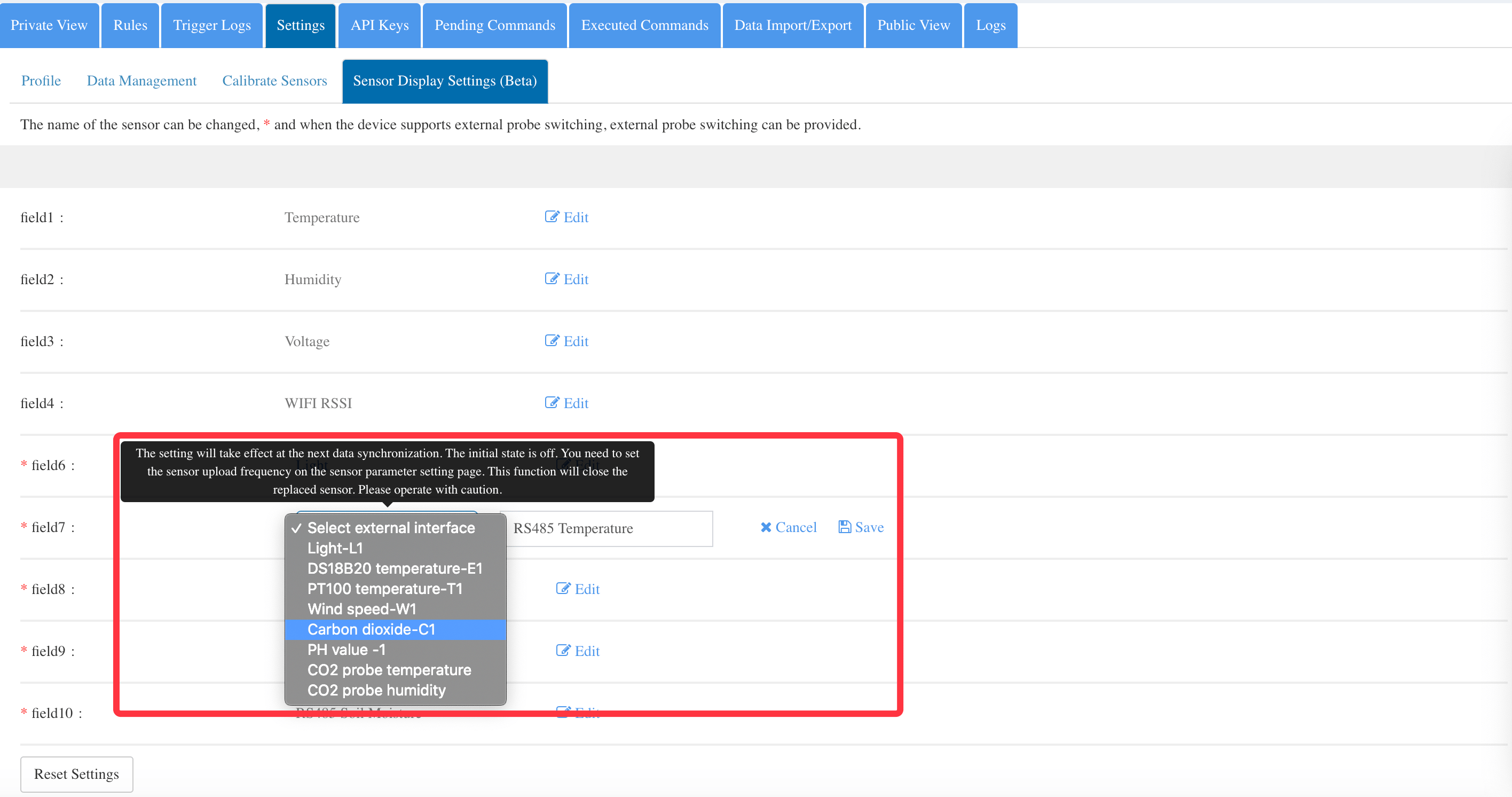
1: Select the device you are using with the external sensor and enter the settings page on the console.
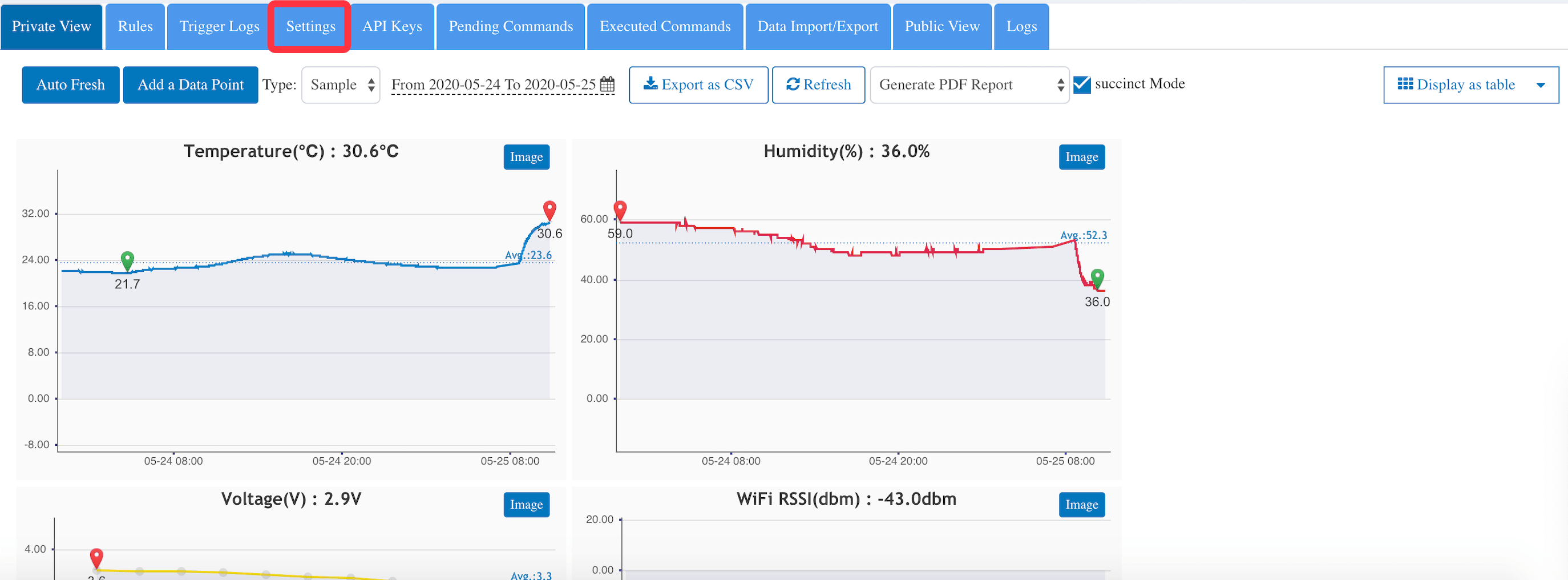
2: Click “Sensor Display Setting”.
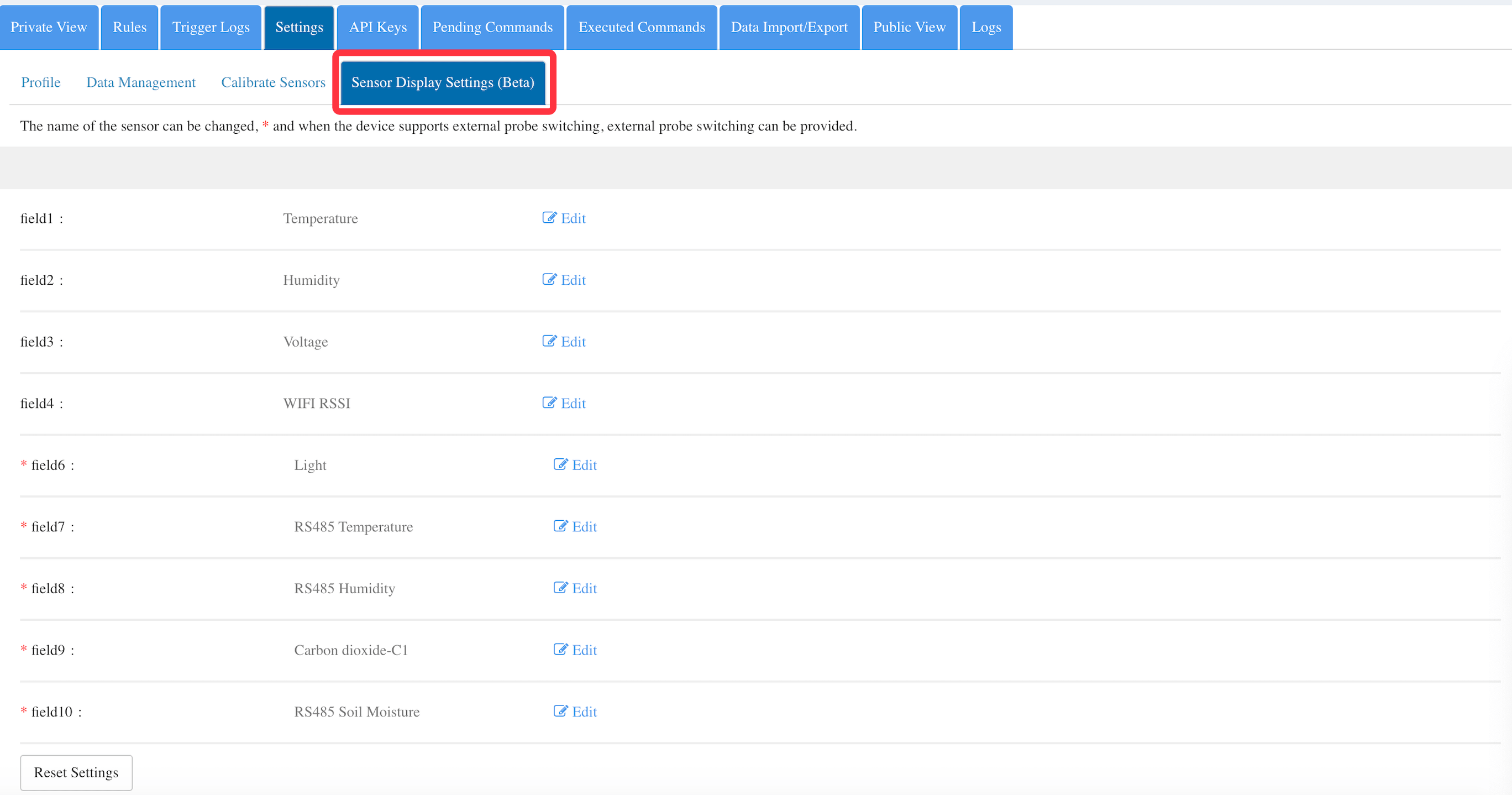
3: Select a sensor field from field7 – 10 to edit. (note: field 1 – 6 are built-in sensors, field 7 – 10 are for external sensors).
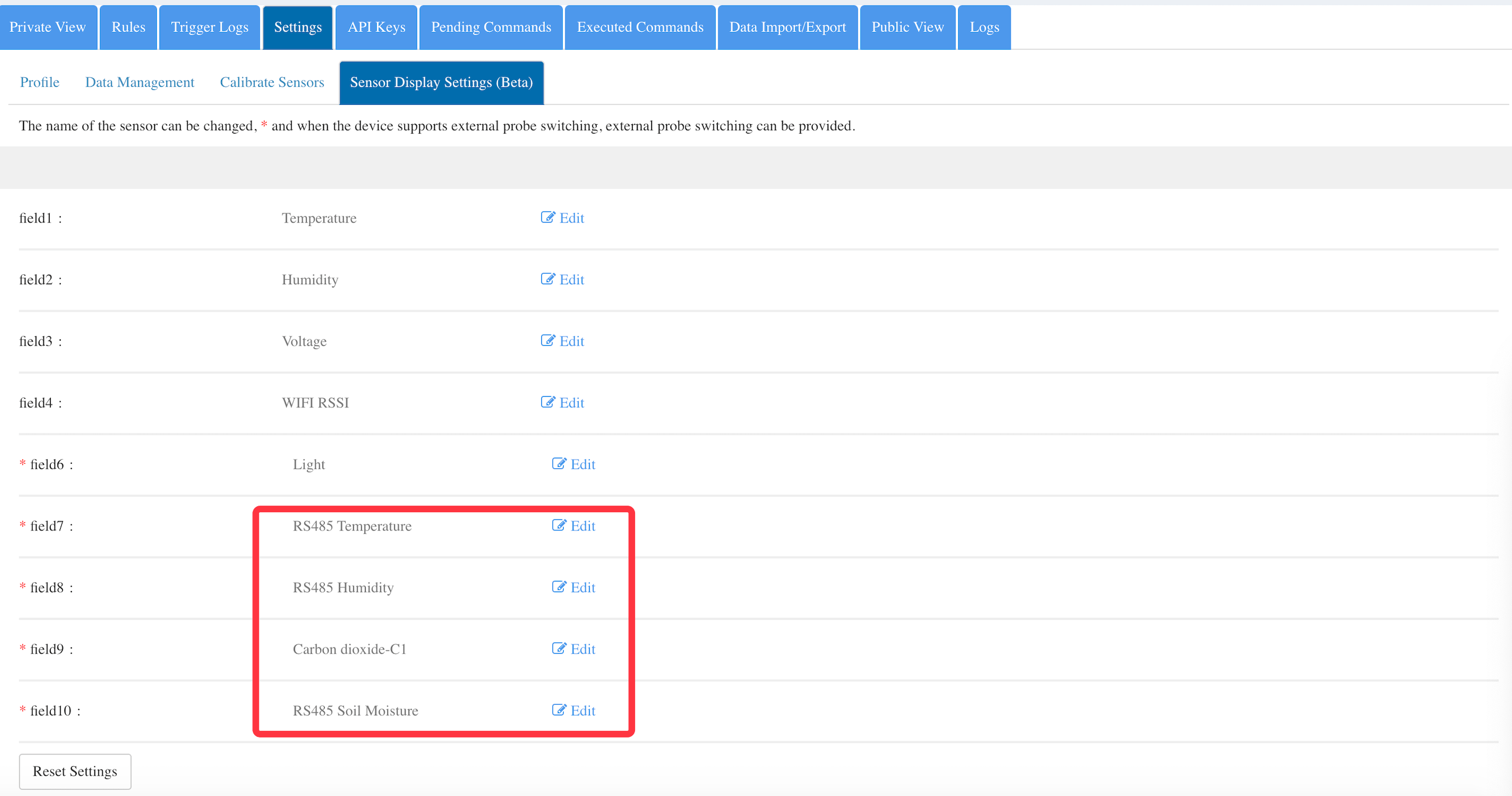
4: Select the external sensor you use from the options and click save
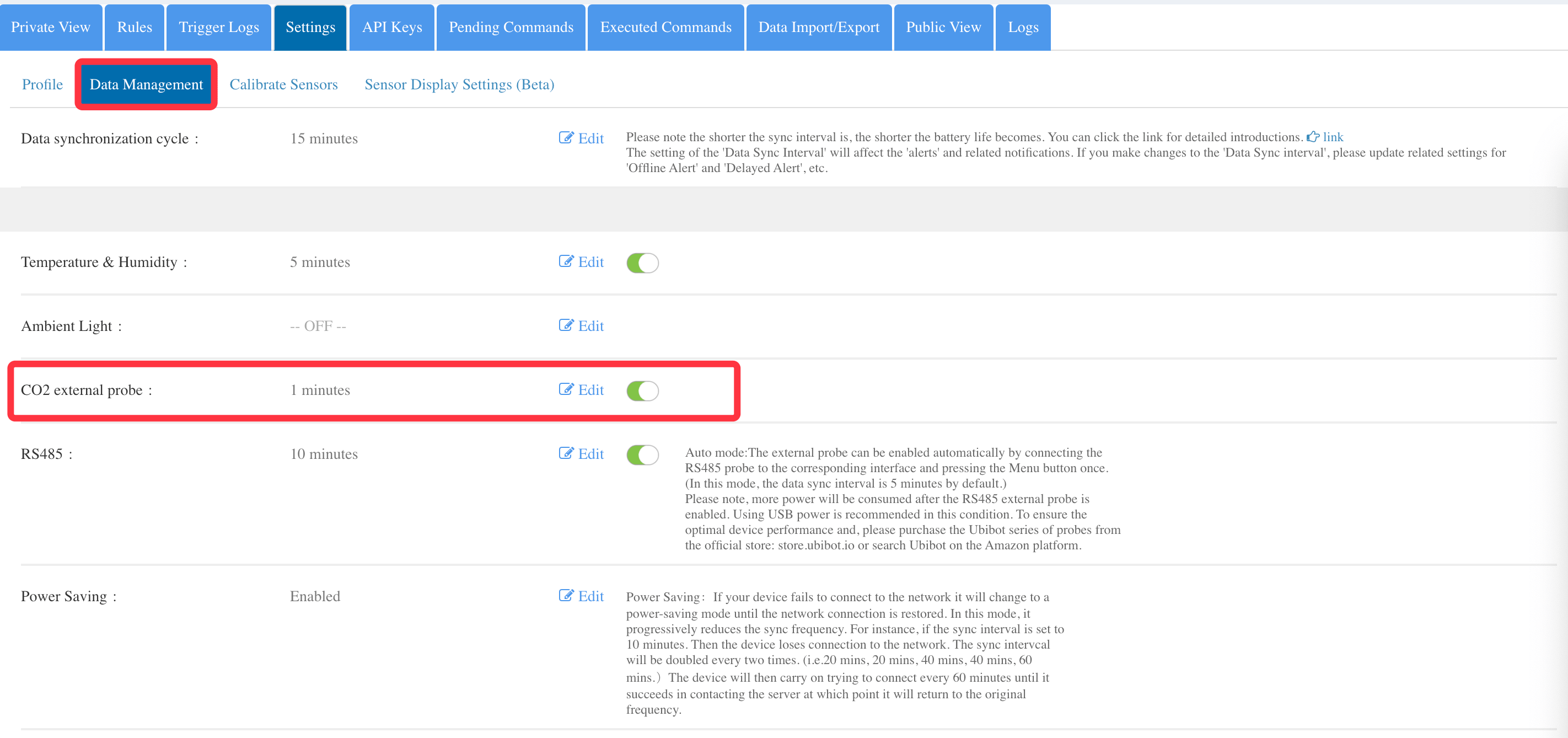
5: Click “Data Management”, where you can set the data upload frequency of the external sensor.